



Most shoppers on Begad start with the search box. They type a product, a brand or a model number, often in English, often in Arabic, sometimes in a mix of both. If your product does not match the words they type, it does not matter how good the price is: they will not see it.
This guide explains what helps a product appear in Begad search, based on how the search actually works.
1. Put the real product words in the title
Search reads your product title first. A title such as "Anker 20W USB-C Wall Charger, White" matches searches for the brand, the product type, the wattage and the colour. A title such as "Best charger, hot offer" matches almost nothing.
- Start with the brand. If your title does not contain the brand, Begad adds it to the front when you save the product, so it is better to write it yourself the way you want it.
- Then the product type in plain words: "power bank", "air fryer", "running shoes".
- Then the model and the one or two details people search for: capacity, size, colour, wattage.
- Leave out words like "best", "offer" or "original". Shoppers do not search for them.
2. Add an Arabic name
A large share of searches on Begad are in Arabic. Begad's search understands Arabic spelling differences (with or without hamza, ة or ه, with or without "ال"), so an Arabic product name widens your reach a lot. A product with only an English name can still be found through common Arabic words for its category, but an Arabic name matches far more searches.
Write the Arabic name the way people say it. For many electronics that is the English word written in Arabic letters, for example "باور بانك" rather than a literal translation.
3. Choose the most specific category
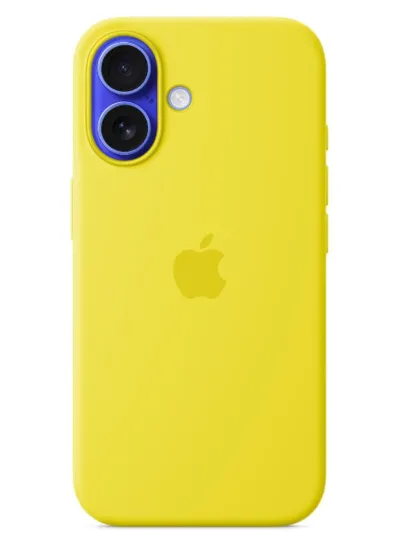
Shoppers also browse and filter by category. A phone case listed under "Mobile Accessories" is harder to find than one listed under "Phone Cases & Covers". Always pick the deepest category that fits. Begad also checks categories and moves products that are clearly in the wrong place, but getting it right yourself is faster.
4. Keep stock up to date
When a product's stock reaches zero, Begad sets it to inactive and it stops appearing in search. That protects shoppers from ordering something you cannot send, but it also means a product can disappear without you noticing. Update stock as soon as new units arrive. If you manage many products, use Products › Update stock & prices from a sheet: upload your own stock file in almost any layout and Begad matches it to your products.
5. Give search more to work with
Every night Begad adds hidden search words to products, based on the product name, so that people searching with other common words still find them. A clear, specific product name produces better search words. When you rename a product, its search words are refreshed.
The description matters too. Mention what the product is for, what it works with and what is in the box. Shoppers read it, and it helps search engines outside Begad as well.
6. Make the main photo do its job
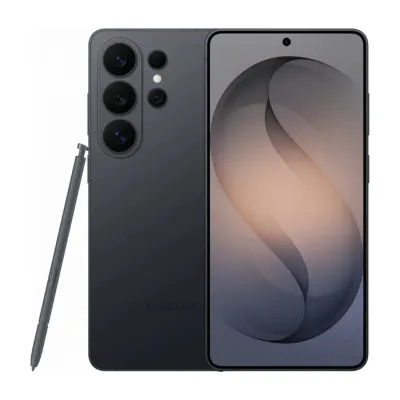
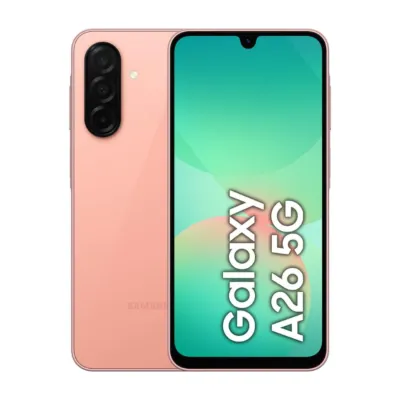
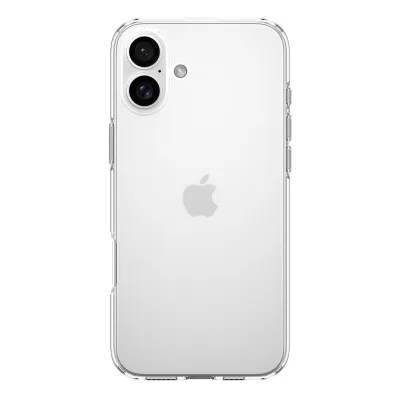
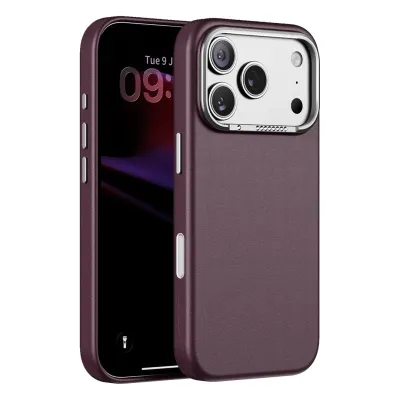
In search results, shoppers decide from a small photo and a title. Use a clear photo of the actual product on a plain background, without text or other brands' images on it. A product that looks right in the list gets clicked; a product that gets clicked gets sold.
A quick checklist
- Brand, product type, model and key detail in the title
- An Arabic name written the way people say it
- The most specific category
- Stock that matches what you really have
- A clear main photo of the real product
Small changes to a listing can make a big difference to how often it is seen. Start with your best sellers, then work through the rest of your catalogue.